Build Better Habits Effortlessly
Track unlimited habits, visualize your progress, and achieve your goals with our free habit tracking app. Perfect for bloggers, content creators, and anyone looking to improve their daily routines.
Amazing Features
Everything you need to build and maintain healthy habits
Unlimited Habits
Track as many habits as you need with no restrictions. Perfect for bloggers tracking multiple aspects of their routine.
Visual Progress
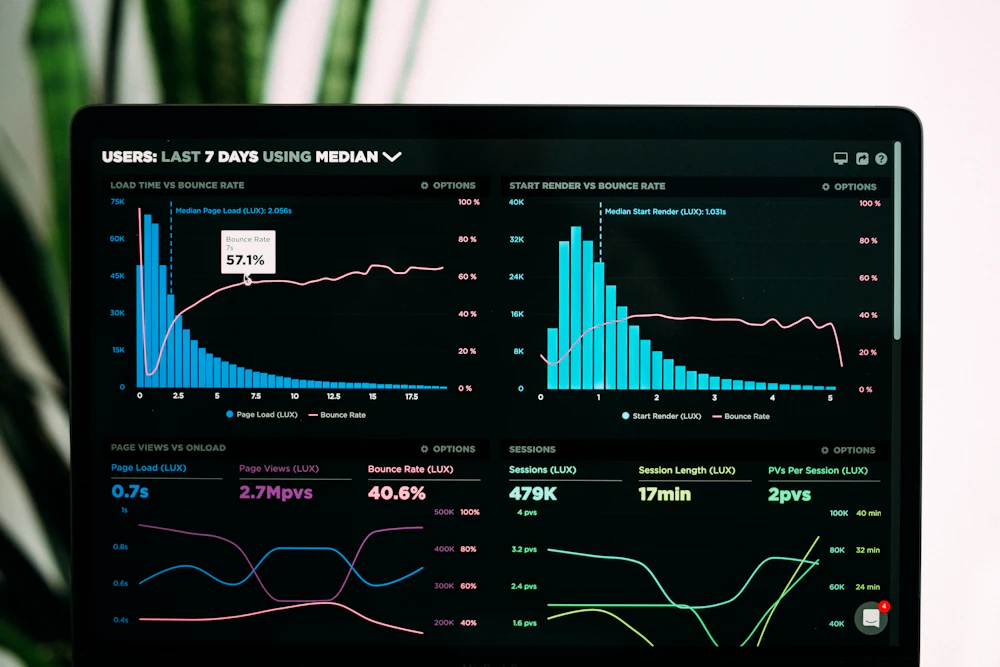
Beautiful charts and graphs to visualize your habit streaks and completion rates over time.
Daily Tracking
Simple calendar view to mark habits as completed or missed each day with color-coded indicators.
Custom Reminders
Set reminders for your habits so you never forget to complete your daily routines.
Fully Responsive
Works perfectly on all devices - desktop, tablet, and mobile phones.
Global Ready
Adaptable for users in all countries with universal design and functionality.
How to Use the Habit Tracker
Follow these simple steps to start tracking your habits effectively
Add Your Habits
Click the "Add Habit" button and fill in the details like name, category, and frequency. For example: "Write Blog Post - Daily" or "Exercise - Weekly".
Track Daily Progress
Each day, mark your habits as completed by clicking the check button. The calendar will show your progress with green (completed) and red (missed) days.
Monitor Your Stats
Check your statistics page to see completion rates, current streaks, and progress charts. Use this data to improve your habits.
Set Goals
Create goals related to your habits (like "Write 30 blog posts this month") and track your progress toward achieving them.
Your Habit Tracker
Start building better habits today
Add New Habit
Your Habits
Your Habit Statistics
Track your progress and stay motivated
Current Streak
0 days
Completion Rate
0%
Total Habits
0
Best Streak
0 days
Frequently Asked Questions
Find answers to common questions about our habit tracker
How do I add a new habit?
To add a new habit, scroll to the "Your Habit Tracker" section and fill out the form. Enter a name for your habit (like "Morning Meditation"), select a category, choose how often you want to do it (daily, weekly, or monthly), and optionally set a reminder time. Click "Save Habit" to add it to your tracker.
How do I mark a habit as completed?
Each habit card has a checkmark button (✓) in the top right corner. Click this button to mark the habit as completed for today. The day will turn green in the mini-calendar. If you miss a day, it will automatically show as red in the calendar.
Can I track habits with different frequencies?
Yes! When adding a habit, you can select whether it's a daily, weekly, or monthly habit. The tracker will adjust accordingly. For weekly habits, you might want to add a note about which day(s) of the week you plan to do it.
How are the statistics calculated?
The statistics are based on your habit completion over the last 30 days:
- Current Streak: Number of consecutive days you've completed the habit
- Completion Rate: Percentage of days you completed the habit out of days you were supposed to
- Best Streak: Your longest streak of consecutive completions
Is my data saved if I close the browser?
Yes! The habit tracker uses your browser's local storage to save all your habits and progress. Your data will still be there when you return, even if you close the browser or restart your device.